Is there a Flighty app for Android?
Short answer: no. Flighty is built for Apple devices, and its own help pages say it does not have an Android app and has no immediate plans for one. That was checked on 11 November 2026.
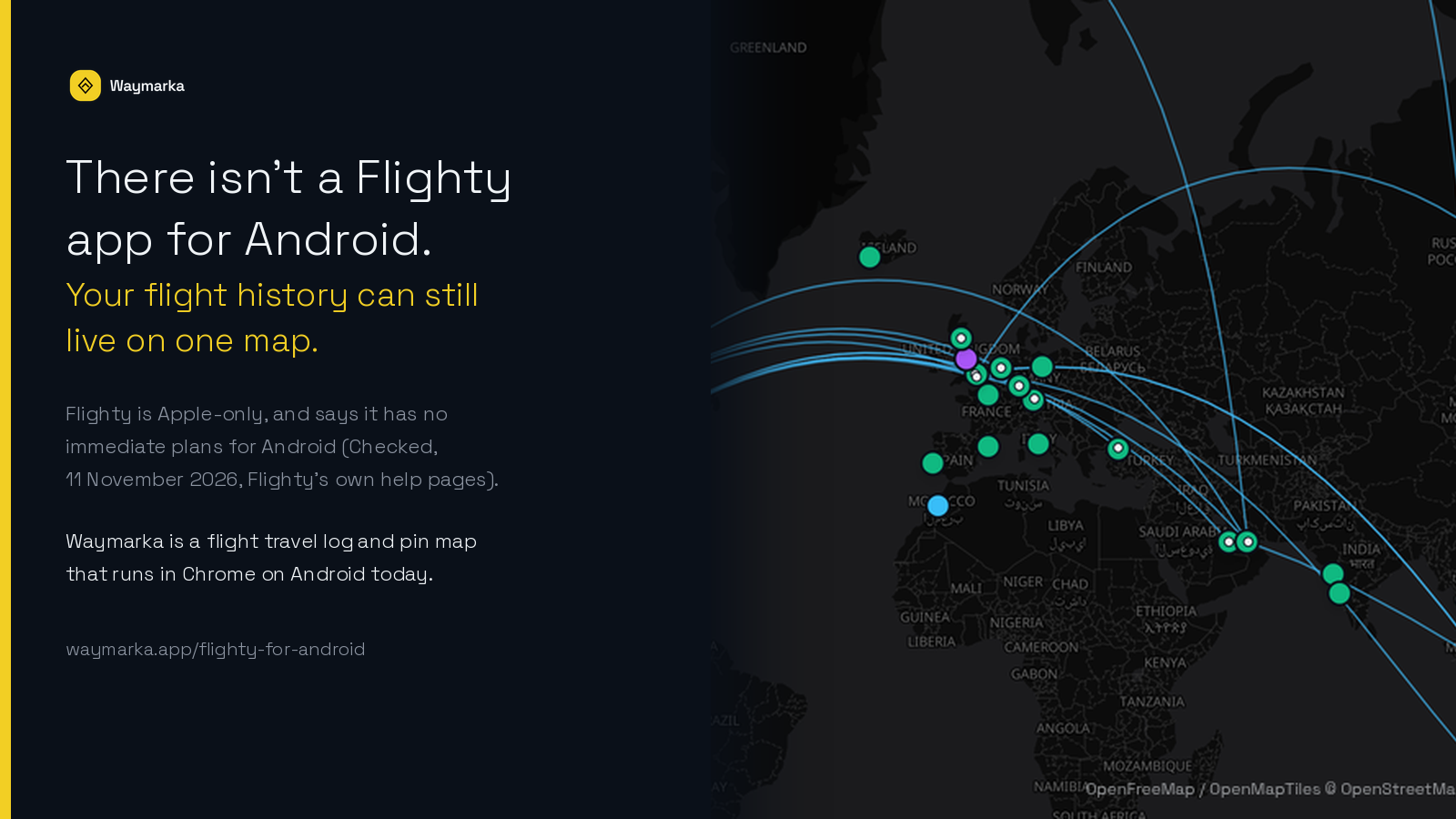
If what you want is a record of the flights you've already taken, on a phone that isn't an iPhone, you don't have to wait. Waymarka is a flight travel log and pin map that runs in Chrome or any modern browser on Android. You can bring a Flighty export with you and see the routes and cities on one map.
This page is only about the Android gap. For a full side-by-side of the two products, see the Flighty alternative page. For prices, see Flighty price vs Waymarka.
What Flighty itself says
On 11 November 2026, Flighty’s help page Can I use Flighty to track my flights on Android? said: “Not today.” It lists iPhone, iPad, Mac, Apple Watch and Apple Vision, and says it doesn’t currently have plans for an Android version. The same day, Flighty’s Android waitlist said it doesn’t have immediate plans for an Android version, and invited people to register their interest.
Those are Flighty’s words, not ours. Plans can change; if they do, Flighty’s own pages are the place to check.
What you can do on Android today
Open waymarka.app in Chrome, or another modern browser, on your Android phone, tablet or Chromebook. Create an account with Google or with email. The free plan is 10 flights and 10 pins, with no card.
You can add the site to your home screen from the browser if you want it one tap away. Your log and map are saved to your account, so the same history shows on a computer later.
A wider Android walkthrough — scanning a boarding pass, adding the site to your home screen, and using stats — is on Flight history map for Android. This page stays focused on the Flighty question.
Move your Flighty history onto an Android phone
If your flights already live in Flighty on an iPhone, you can export them and open the file in Waymarka on Android.
- 1. In Flighty, go to Settings → Account Data → Export Your Flights. Flighty emails you a CSV. Save the file as it is; don’t open and re-save it in a spreadsheet.
- 2. On your Android phone, open Waymarka in the browser, go to Add flights → Import Flighty, and choose the file.
- 3. Check the list. Airports are matched for you, and anything already in your log is flagged as a possible duplicate.
- 4. Save. The flights appear on the map and in your stats.
Importing works on the free plan for your first 10 flights. If the file has more, the 10 most recent are saved; a paid plan imports the rest. The same steps are on the Flighty alternative page.
What you get, and what you don’t
Waymarka will not replace Flighty’s live flight features. It does not follow a flight in the air, predict a gate or delay, or send disruption notices. If that’s what you wanted from a “Flighty for Android,” those tools still live in airline apps and in other live flight apps.
What Waymarka is for: a lasting flight travel log and pin map. Every flight is a route on the map. You can also pin cities as Visited, Planned, Living now or Native, including places you reached without flying. You can scan a boarding pass, import a CSV, and open stats for distance, time in the air, airports, airlines and aircraft.
What it costs
Waymarka is free for your first 10 flights and 10 pins, no card. Paid plans, in USD plus tax, are $2.99 a month, $19.99 a year, or $49.99 once for Waymarka Life. Those amounts were checked on the pricing page on 11 November 2026.
Flighty Pro’s annual plan is $59.99 a year, checked the same day on Flighty’s pricing page. For the full comparison, see Flighty price vs Waymarka.
Frequently asked questions
Is there a Flighty app for Android?
No. On 11 November 2026, Flighty’s own help page said “Not today,” listed only Apple devices, and said it doesn’t currently have plans for an Android version. It also runs an Android waitlist and says it has no immediate plans.
Does Flighty work in a browser on Android?
Flighty’s supported-platforms page, checked on 11 November 2026, lists iPhone, iPad, Mac, Apple Watch and Apple Vision. It does not list Android or a web app.
Can I move my Flighty flights onto an Android phone?
Yes. Export your flights from Flighty (Settings → Account Data → Export Your Flights) and import the CSV in Waymarka under Add flights → Import Flighty. You review the list before anything is saved.
Does Waymarka do what Flighty does on the day of travel?
No. Waymarka is a flight travel log and pin map for flights you’ve already taken and places you’ve been. It does not follow live flights or send delay notices. For those, use your airline’s app or a live flight app.
Is there a Flighty alternative that works on Android?
If you want a lasting flight history and a pin map, yes: Waymarka runs in a browser on Android today. If you want live delay notices on Android, look at live flight apps; that isn’t what Waymarka is for. See the Flighty alternative page for a fuller comparison.
How much does Waymarka cost?
Your first 10 flights and 10 pins are free, no card. Paid plans are $2.99 a month, $19.99 a year, or $49.99 once for Waymarka Life, all in USD plus tax, checked on 11 November 2026. See pricing and Flighty price vs Waymarka.
Start your flight travel log on Android
Look around the demo with sample data (no sign-up), or start free and, if you like, bring a Flighty export with you. Your first 10 flights are free, no card.
Flighty is a trademark of Flighty LLC. Android, Chrome and Chromebook are trademarks of Google LLC. Waymarka is not affiliated with Flighty or Google.